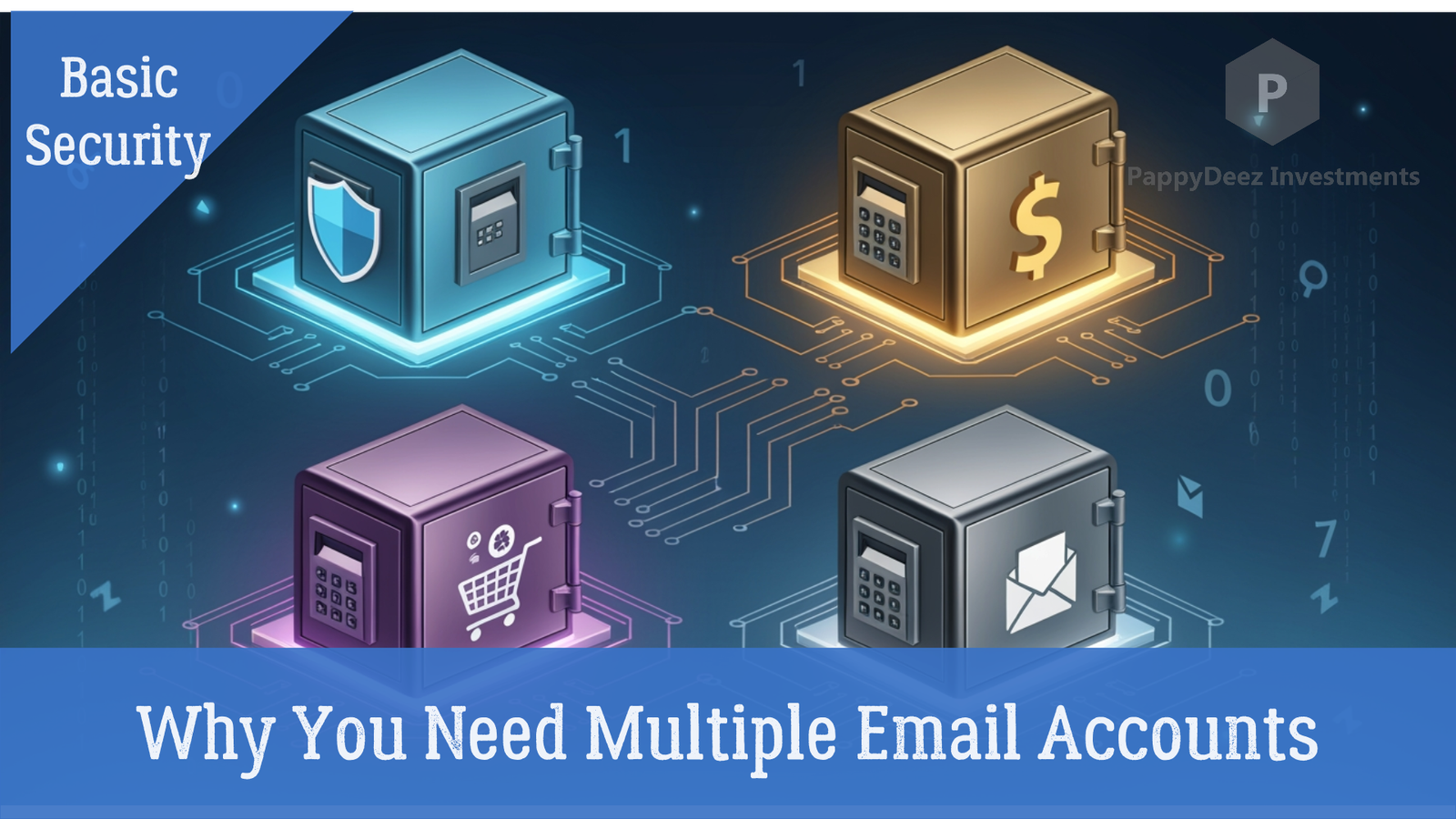
Why You Need Multiple Email Accounts (And How to Set Them Up)
Using one email address for everything is like using the same key for your house, car, office, and bank vault. Convenient? Sure. Safe? Absolutely not.
If that single email gets compromised, hackers gain access to everything connected to it—your bank accounts, social media, shopping sites, and personal communications. Email segregation is a simple security strategy that dramatically reduces this risk.
The Four-Account System
Instead of one email for everything, create four accounts with specific purposes:
Why This Works
When a hacker gets access to an email account, they can request password resets for any service connected to it. By segregating your accounts, you contain the damage. A compromised shopping email doesn't give them access to your bank accounts. A leaked junk email doesn't expose your personal communications.
Key Security Principle: Email segregation creates compartmentalization. If one account is breached, the damage is contained to that specific category of services. Your most sensitive accounts remain protected.
Getting Started
You don't need to migrate everything overnight. Start by creating your four accounts this weekend. Next week, move your financial accounts to your dedicated financial email. Throughout the month, gradually update other services.
Create your four email accounts. Choose strong, unique passwords for each one (use a password manager to generate and store them).
Move your financial accounts to your dedicated financial email. Update your bank, credit card companies, investment platforms, and cryptocurrency exchanges.
Gradually update other services as you use them. No need to rush—let it happen naturally as you log into different sites.
For every new account you create, consciously choose which email category it belongs to. Make it a habit to always use the right email for the right purpose.
Essential Security Steps
Use a password manager like Bitwarden or 1Password to generate and store unique passwords for each account. Enable two-factor authentication on every account, especially your financial and personal emails.
Critical Security Recommendations:
- Password Manager: Never reuse passwords across your email accounts. Use a password manager to generate and store unique, complex passwords for each one.
- Two-Factor Authentication: Enable 2FA on all four email accounts. This adds a critical second layer of protection.
- Encrypted Email Services: For your financial and personal emails, consider using encrypted services like ProtonMail or Tutanota.
- Recovery Options: Set up secure recovery methods for each account, but never use the same recovery email or phone number for all of them.
The Bottom Line
Email segregation takes minimal effort but creates multiple layers of protection between hackers and your most valuable accounts. It's one of the smartest security moves you can make.
Think of it this way: organizing your digital life into separate email accounts isn't just about security—it's about peace of mind. When your finances are completely isolated from your online shopping and social media, you can browse, click, and explore with far less worry.
Take Action Today
Start building your email security system today. Your future self will thank you.
Your First Steps:
- Create your four email accounts this weekend
- Set up unique, strong passwords using a password manager
- Enable two-factor authentication on each account
- Begin migrating your financial accounts next week
Remember:
Perfect security doesn't exist, but email segregation is one of the most effective and practical steps you can take to protect your digital life. It's not complicated, it doesn't require expensive software, and the protection it provides is substantial.
Start today. Protect your future.