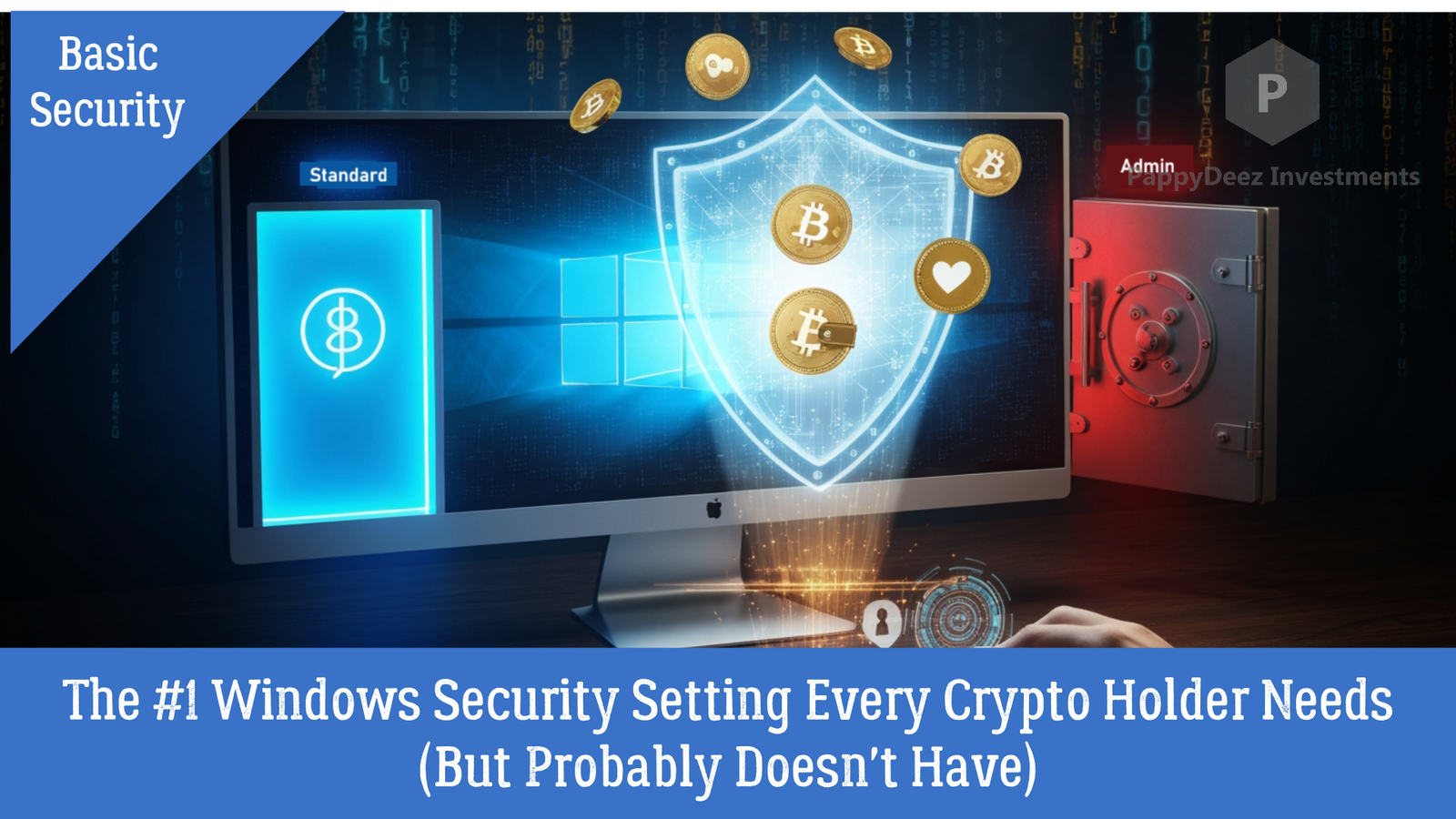
The #1 Windows Security Setting Every Crypto Holder Needs (But Probably Doesn't Have)
Protecting your cryptocurrency starts with your computer setup
If you hold cryptocurrency—whether in a hardware wallet, software wallet, or on an exchange—I need to tell you about a critical security vulnerability that's hiding in plain sight on your Windows computer.
The problem? You're probably using an administrator account for everything.
The solution? A simple 10-minute setup that could save you from devastating losses.
Why Your Current Setup Is Dangerous
Here's what most people don't realize: when you run Windows with full administrator privileges all the time, you're essentially giving every program and every piece of malware unrestricted access to your entire system.
Think about it this way—you wouldn't give every person who walks into your house the master key to your safe, would you? Yet that's exactly what you're doing with your computer when you use an admin account for daily activities.
The Real-World Threats
Cryptocurrency thieves don't break into blockchain networks. That's nearly impossible. Instead, they target your computer with:
- Keyloggers that capture your passwords, seed phrases, and exchange logins
- Clipboard hijackers that swap cryptocurrency addresses when you copy-paste
- Remote access trojans that install backdoors with full system privileges
- Fake wallet software that looks legitimate but steals your keys
- Session stealers that grab your browser cookies to access exchanges
Every single one of these attacks becomes significantly harder—or impossible—when you're not running with admin privileges.
"But I Use a Hardware Wallet..."
Great! Hardware wallets are excellent. But your computer security still matters because:
- Malware can compromise your Ledger Live or Trezor Suite applications
- Clipboard hijackers can swap the receiving address before you verify on your device
- Fake firmware updates can trick you into compromising your hardware wallet
- Your computer is where you verify transactions and manage your portfolio
Even with a hardware wallet, a compromised computer is a security disaster waiting to happen.
"But I Only Use Exchanges..."
You might think, "The exchange holds my keys, so my computer security doesn't matter."
This is dangerously wrong.
Here's what attackers can do with admin-level access to your computer:
- Steal your exchange credentials - Login, password, and 2FA codes
- Hijack your browser sessions - Bypass login entirely
- Access your email - Reset passwords and approve withdrawals
- Steal API keys - If you use trading bots or tax software
- Disable withdrawal whitelists - Remove your safety restrictions
- Complete account takeover - Change everything and drain your funds
Remember: cryptocurrency transactions are irreversible. Once your funds are gone, they're gone forever.
The Solution: Separate Your Accounts
The fix is simple: use two Windows accounts:
- Standard User Account - For daily activities (checking prices, logging into exchanges, using wallets)
- Administrator Account - Only for installing software and system changes
This creates a crucial barrier. Malware running in your standard account can't install system-level keyloggers, can't modify your wallet software, and can't gain the deep access needed for sophisticated attacks.
Quick Setup Guide
Phase 1: Create Admin Account (5 minutes)
- Press Windows + I → Accounts → Family & other users
- Click "Add account" → "I don't have this person's sign-in information"
- Choose "Add a user without a Microsoft account"
- Create username (like "CryptoAdmin") and strong password
- Click the new account → "Change account type" → Administrator
Phase 2: Downgrade Your Current Account (2 minutes)
- Log into your new admin account (test it first!)
- Go to Settings → Accounts → Family & other users
- Click your regular account → "Change account type" → Standard user
- Log back into your regular account for daily use
That's it. You're done.
Daily Usage
Use your standard account for:
- Checking crypto prices
- Logging into exchanges
- Using hardware wallet apps (Ledger Live, Trezor Suite)
- Checking balances and making trades
- All normal computer activities
Use your admin account for:
- Installing wallet software (always verify signatures!)
- System updates
- Installing trading platforms
- Changing security settings
The First Week Reality Check
I won't sugarcoat it: the first week is annoying. You'll see admin prompts for things you're used to doing freely. You'll be tempted to just "stay in the admin account."
Don't give in.
What you're seeing as "annoying prompts" are actually programs requesting system-level access that they were getting silently before. This visibility is protecting you. You're now seeing what was previously hidden.
After about a week, it becomes second nature. And the slight inconvenience is infinitely preferable to losing your crypto holdings.
Beyond the Basics
For serious crypto holders managing substantial portfolios, consider:
- Dedicated crypto computer - Never use it for email or web browsing
- Virtual machine isolation - Run wallet software in a VM
- BitLocker encryption - Full disk encryption for physical theft protection
- Hardware 2FA keys - YubiKey or Google Titan for exchanges
- Password manager - Unique passwords for everything
The Bottom Line
In 2023 alone, over $1.7 billion in cryptocurrency was stolen through various attacks targeting users' computers. Clipboard hijacking, fake wallet software, keyloggers, phishing sites with trojans—all of these attacks rely on having administrator-level access to your system.
Every single attack would have been significantly harder or impossible if victims had been using a standard user account for their daily crypto activities.
This isn't about being paranoid. It's about being realistic. Professional thieves specifically target cryptocurrency holders because transactions are irreversible and largely anonymous. They've developed sophisticated tools that exploit admin privileges.
By separating your Windows accounts, you're implementing a security practice that's:
✓ Recommended by cybersecurity professionals
✓ Endorsed by cryptocurrency exchanges
✓ Considered baseline security for anyone managing digital assets
✓ Free and takes 10 minutes to set up
Take Action Now
Whether you hold $100 or $100,000 in crypto, your security should be proportional to the irreversible nature of cryptocurrency transactions.
The setup takes 10 minutes. The protection lasts forever.
Your cryptocurrency security is only as strong as your weakest link. Don't let your Windows user account configuration be that weak link.