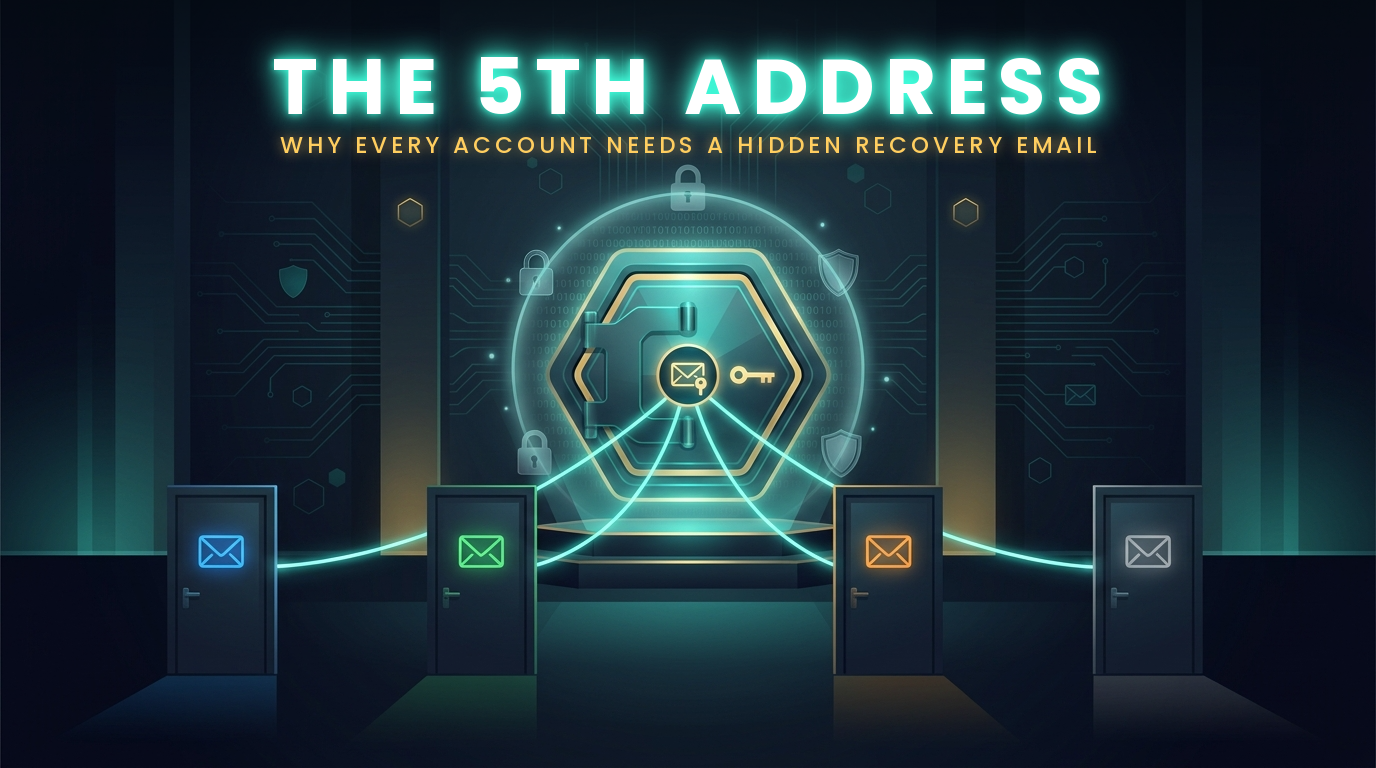
The Email Nobody Knows About: Why You Need a Dedicated Recovery Address
Your Rescue email is the spare key to every account you own. The question is whether it's hidden in a safe only you know about, or under the doormat where every burglar looks first.
When we talk about email security, most people picture a hacker guessing a password. In practice, the easier path for an attacker is often the "Forgot Password" button. Every time you click it, a service sends a reset link to a recovery address. Whoever controls that inbox controls the account.
That makes your Rescue email, the dedicated recovery email this guide is about, one of the most powerful and most overlooked pieces of your security setup. This guide explains why it deserves its own dedicated, segregated address, and how to set one up.
How Password Recovery Really Works
Behind almost every login is a quiet assumption: if you forget your password, the service will email a reset link to the address on file. That's convenient, but it means the strength of your password stops mattering the moment someone gets into that inbox. They don't need to crack anything. They just click "Forgot Password," open the message, and set a new one.
This is why compromising one email account can quickly turn into a domino effect. From a single mailbox, an attacker can reset the passwords for every account tied to it: banking, shopping, social media, cloud storage, even cryptocurrency exchanges.
The Hidden Weak Point: Most people use the same email address they hand out everywhere as the recovery address for all their other accounts. Their most public address is doing their most sensitive job.
The Problem With Using Your Everyday Email
If you've read our guide on the four-account system, you already know the value of separating your personal, financial, shopping, and junk email. That separation contains the damage when one account is breached. But there's a gap in that system that's easy to miss: what do those four accounts use for recovery?
If your financial email, your personal email, and your shopping email all list the same backup address, you've quietly rebuilt the single point of failure you were trying to eliminate. One compromised recovery address lets an attacker walk through the front door of every account behind it.
An everyday email address is also a high-exposure target. It shows up in signup forms, receipts, newsletters, and contact lists. It appears in data breaches. It receives phishing attempts every day. The more places an address lives, the more chances an attacker has to find it, target it, or trick you into handing it over.
The Solution: A Dedicated Rescue Email
A Rescue email is a dedicated account, separate from your everyday emails and your password manager email, with exactly one job: receiving password reset messages and security alerts for your other email accounts. That's all it does.
1. Never Shared
You don't give this address to friends, family, stores, or websites. It's never used for logging in, signing up, or receiving newsletters. If nobody knows it exists, nobody can target it.
2. Never Used Day to Day
It stays quiet. No promotional mail, no receipts, no notifications. An inbox that only receives the occasional recovery message is easy to monitor, and anything unexpected stands out immediately.
3. Locked Down Hard
A long, unique passphrase stored offline on paper, plus two-factor authentication. Memorize the passphrase if you can, and keep the paper copy as your backup. Because it protects everything else, it gets your strongest protection.
4. Recovery for Email Only
Its only purpose is to recover the passwords of your other email accounts. Your shopping and social accounts are not email accounts, so the Rescue email does not recover them. It can recover the password of the email account you use for them, and the login passwords for the shopping and social accounts themselves are kept in your password manager. The Rescue email's own passphrase is the exception: it stays on paper and never goes into the password manager.
Why This Works
Think of it as adding a locked room behind your locked doors. An attacker who wants to take over your financial email through the reset process first has to know where the reset message goes, then get into a mailbox they have no reason to know exists. A mailbox that has never appeared in a signup form, a data breach, or a marketing list is very hard to find.
Key Security Principle: Security is about limiting exposure. The fewer places an address appears, the fewer ways it can be discovered, phished, or leaked. A Rescue email with zero public footprint is a much harder target than one you use every day.
It also gives you an early warning system. Because this inbox is normally silent, a password reset message you didn't request is a clear signal that someone is trying to get into one of your accounts, and you can act on it right away.
Setting It Up the Right Way
Creating the address is the easy part. The details below are what make it effective. For a full walkthrough of building a Rescue email and the accounts that depend on it, see our step-by-step Email Setup Guide.
Rescue Email Best Practices:
- Choose a Provider Carefully: Use a reputable service with strong security features. Encrypted providers like ProtonMail or Tutanota are good options. Use an encrypted email service for your financial and personal accounts, and we recommend one for your social and shopping accounts too. Your Junk email can be a basic Gmail or Outlook account.
- Use Separate Providers: We strongly recommend keeping the Rescue email with a different company from your password manager email, so a problem at one company can't lock you out of both. Where you can, also keep your financial email with a different company from your family, social and shopping emails: if one company freezes an account or is breached, your money accounts are not caught up in it.
- Use a Forgettable Address: Avoid your name, birth year, or anything guessable. A random-looking address gives an attacker nothing to work with.
- Use a Unique Passphrase Stored on Paper: Never reuse a password here. Choose a long, random passphrase, memorize it, and write it down on paper. You will rarely log in, so the paper copy is your backup if you forget. Keep it somewhere safe and offline, such as a home safe, with your other papers.
- Enable Two-Factor Authentication: Turn on 2FA immediately, preferably using a hardware security key or, as a temporary fallback, an authenticator app rather than text messages.
- Avoid Circular Recovery: Don't set this account's own recovery to one of your other email addresses. If account A recovers B and B recovers A, a single breach can unravel both. Rely on your paper passphrase, 2FA recovery codes, and a securely stored offline copy instead.
- Don't Forward or Link It: Skip auto-forwarding, connected apps, and "sign in with" features. Every connection is another way in.
Rolling It Out
As with the four-account system, you don't need to do everything in one sitting. Work from your most important accounts outward.
Create your Rescue email. Choose a long, unique passphrase, memorize it, and write it down on paper, enable two-factor authentication, and save your recovery codes somewhere safe.
Set the Rescue email as the recovery address on your password manager email, your financial email and your primary personal email first. These are the accounts that matter most.
Update the recovery options on your shopping and junk email accounts. Check that no two accounts recover each other in a loop, and that you aren't relying on a recovery phone number where the Rescue email will do.
Log in every so often to confirm the account is still active and the password still works. Set a calendar reminder to log in every 3 months, so the email provider doesn't shut the account down for inactivity. Investigate any message you didn't expect.
Common Questions
Isn't this just another account to protect? Yes, but it's the only one that never needs day-to-day attention. You log in rarely, and your paper copy of the passphrase is there when you need it.
What if I forget about it? Write the address and passphrase on paper, keep them with your other offline records, and note what the account is for. Some providers deactivate inactive accounts, so an occasional login keeps it alive.
A simple way to make that login automatic is to set a recurring calendar reminder every 3 months. When the reminder appears, log in using the passphrase on your paper copy. You'll keep the account active and confirm that the login still works. After a few cycles, it becomes a habit you barely think about.
Should I change its passphrase periodically? Not routinely. This account is the best protected and the most cumbersome to update, because a new passphrase means a new paper copy. You might consider refreshing it once a year. Your everyday email accounts are different: they are the most likely to be targeted, and your password manager makes them easy to update, so give them fresh passwords every 6 months.
Can I use my phone number for recovery instead? We recommend against it. Phone numbers can be taken over through SIM-swap attacks, where a criminal tricks your phone company into moving your number to their phone, so a phone number is a weaker door than a dedicated Rescue email. Never add a phone number to the Rescue email itself. For your other email accounts, use the Rescue email as the recovery method. If a provider insists on a phone number, treat it as a last resort and don't use the same number everywhere.
The Bottom Line
A dedicated Rescue email costs nothing, takes less than an hour to set up, and closes one of the most common gaps in personal security. It turns your account recovery process from a shared weak point into a protected, hidden safeguard.
Segregating your email addresses protects you from the damage of a single breach. A private recovery address protects the process that puts everything back together if something goes wrong. Used together, they make your accounts far harder to take over.
Take Action Today
Your Rescue email is the last line of defense for your digital life. Build it once, protect it well, and then leave it alone.
Your First Steps:
- Create a new email address you have never used anywhere else
- Choose a long, unique passphrase, memorize it, and write it down on paper
- Enable two-factor authentication and save your recovery codes
- Set it as the recovery address on your password manager, financial and primary personal email accounts
Remember:
The best recovery address is one nobody knows exists. Keep it private, keep it quiet, and keep it locked down.
Start today. Protect your future.