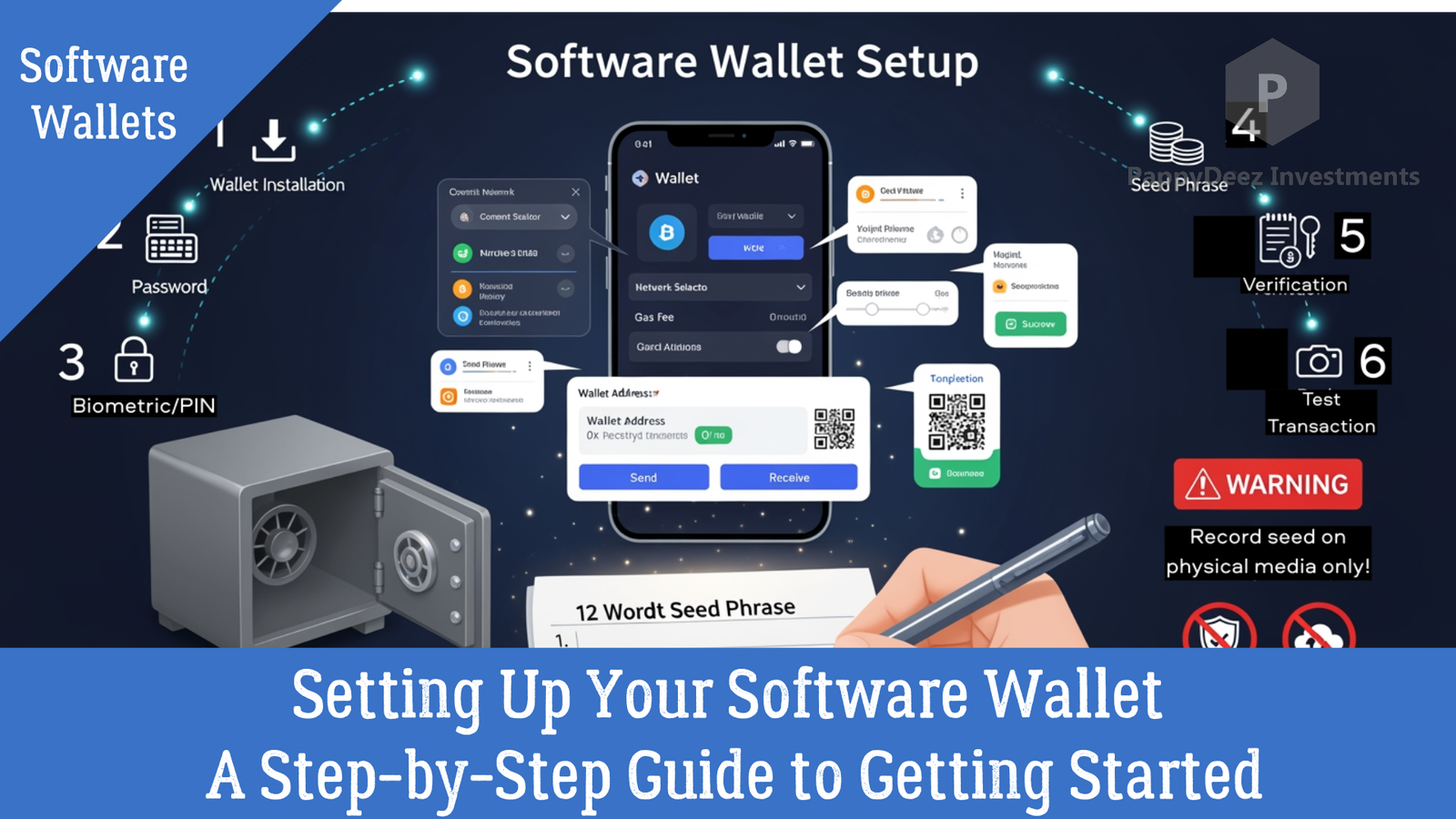
Setting Up Your Software Wallet: A Step-by-Step Guide to Getting Started
From installation to your first transaction—everything you need to know
Understanding the different types of software wallets is one thing, but actually setting one up and using it confidently is where the real learning happens. In this guide, we'll walk through the entire process of creating, configuring, and using a non-custodial software wallet safely and effectively.
Step 1: Download from Official Sources Only
This first step might seem obvious, but it's absolutely critical. Fake wallet applications and phishing websites are among the most common cryptocurrency scams.
Always start by visiting the official website—for MetaMask, that's metamask.io. Carefully verify the URL is correct, checking for typos or extra characters that might indicate a fake site. When downloading mobile apps, use only official app stores and verify the developer name matches the official company.
A single wrong letter in a URL can lead you to a malicious site designed to steal your cryptocurrency. Take the extra few seconds to verify.
Step 2: Create Your Wallet
Once you've downloaded legitimate wallet software, click "Create a Wallet" and you'll be prompted to create a password. This password encrypts your wallet on your specific device.
Use a strong, unique password—at least 12 characters combining letters, numbers, and symbols. This password should be different from every other account you have. Password managers can help you generate and store complex passwords securely.
Step 3: Secure Your Seed Phrase—The Most Critical Step
Here's where many newcomers get nervous, and rightfully so. Your wallet will generate a 12 or 24-word seed phrase (also called a recovery phrase or mnemonic phrase). This is unquestionably the most important piece of information about your wallet.
The Critical Rules for Seed Phrases:
Write it down on paper exactly as shown, in the correct order. Do not type it into any device.
Store it in a secure location like a safe or safety deposit box. This is as valuable as cash.
NEVER store it digitally. No screenshots, no cloud storage, no emails to yourself, no password managers. Physical only.
NEVER share it with anyone. No exceptions. No legitimate service will ever ask for it.
Create multiple physical backups in different secure locations.
Consider metal backup plates for fire and water resistance if you're storing significant value.
Why This Matters So Much
Anyone with your seed phrase can access your cryptocurrency—even without your password. If you lose your seed phrase and your device fails, your cryptocurrency is gone forever. No company, no developer, no government can recover it for you. This is the price of true financial sovereignty.
Step 4: Verify Your Seed Phrase
The wallet will ask you to confirm your seed phrase by entering the words in the correct order. This ensures you've written it down correctly.
Don't skip this step or rush through it. Take the time to verify every word is correct and in the proper sequence. A single mistake now could mean lost funds later.
Understanding Your Wallet Interface
Once set up, your wallet will display several key components:
Your wallet address is your public address—like a bank account number. You can safely share this to receive cryptocurrency. It will look something like: 0x742d35Cc6634C0532925a3b844Bc9e7595f0bEb
Your balance shows how much cryptocurrency you have, often displayed in both the cryptocurrency amount and its fiat currency value.
The network selector lets you switch between different blockchain networks like Ethereum, Polygon, or Binance Smart Chain. Selecting the correct network before transactions is critical.
Send and Receive buttons are your primary actions for transferring cryptocurrency.
Transaction history shows all your past transactions with dates, amounts, and confirmation status.
Receiving Cryptocurrency: Simple but Important
Receiving cryptocurrency is straightforward, but there are important steps to follow:
First, verify which network the sender is using and switch your wallet to that same network. Common networks include Ethereum, Polygon, Binance Smart Chain, and Arbitrum.
Next, click "Receive" or tap your wallet address to copy it. You can share this address or display the QR code for scanning. Before sending the address, double-check that at least the first and last few characters match what's displayed in your wallet.
Finally, wait for the transaction to confirm on the blockchain. You'll see it as "pending" first, then "confirmed" once the network has processed it. Confirmation times vary by network, from seconds to several minutes.
Sending Cryptocurrency: Measure Twice, Cut Once
Sending cryptocurrency requires more care because blockchain transactions are irreversible. Once confirmed, there's no undo button.
Step 1: Verify Your Setup
Ensure you're on the correct network for the cryptocurrency you're sending. Confirm you have enough of that cryptocurrency for the transaction, plus enough native tokens for gas fees (ETH on Ethereum, BNB on Binance Smart Chain, etc.).
Step 2: Enter Recipient Details
Click "Send" and carefully enter or paste the recipient's wallet address. This is where attention to detail matters—verify the ENTIRE address character by character. Malware can replace clipboard contents with an attacker's address.
Enter the amount you want to send, double-checking the number and decimal placement.
Step 3: Review Everything
Before confirming, verify the recipient address one more time (at minimum, check the first and last characters). Confirm the amount is correct, the network selection is right, and review the gas/transaction fee.
Step 4: Set Gas Fees
Different fee levels offer different confirmation speeds. Low gas means slower confirmation, high gas means faster confirmation. For non-urgent transactions, use low or medium fees. For time-sensitive transactions, pay the premium for high gas.
Step 5: Confirm and Send
Click "Confirm" or "Send." Your wallet may ask for your password. The transaction is then broadcast to the blockchain. Save the transaction hash for your records—it's your receipt.
The Test Transaction Rule
For first-time transactions to a new address, always send a small test amount first. Once that confirms successfully, send the remaining amount. The small investment in an extra gas fee can prevent catastrophic losses from sending to the wrong address.
Managing Multiple Cryptocurrencies and Networks
Modern software wallets can manage many different cryptocurrencies and blockchain networks. Understanding how to add and manage them is essential.
Adding Custom Tokens
Many tokens won't appear automatically in your wallet. To add them manually:
Click "Import Tokens" or "Add Token," then enter the token's contract address (find this on CoinGecko, CoinMarketCap, or the official project website). The token symbol and decimals usually auto-populate. Always verify the contract address matches information from official sources to avoid fake tokens.
Adding Custom Networks
To access different blockchains beyond the defaults:
Click the network dropdown and select "Add Network." Enter the network details including RPC URL, Chain ID, and Currency Symbol. Find official network parameters in the project's documentation and verify information from multiple trusted sources before adding.
Network Management Tips
Always double-check you're on the correct network before making transactions. Remember that the same wallet address works across all EVM-compatible chains, but assets on different networks are separate. Keep native tokens for gas fees on each network you use. Some tokens exist on multiple networks—always verify you're using the correct one.
Building Your Confidence
Setting up and using a software wallet for the first time can feel overwhelming, but every transaction builds your confidence and understanding. Start with small amounts, practice receiving and sending, and take the time to verify every step.
The most important lesson? Your seed phrase is your cryptocurrency. Protect it like you would protect cash, jewelry, or any other valuable asset. Everything else—from network selection to gas fees—becomes second nature with practice.
In the next installment, we'll dive deeper into security practices and advanced features that will help you use your software wallet with maximum safety and efficiency.
Continue your cryptocurrency education with Part 3: Securing Your Software Wallet: Essential Practices and Advanced Features