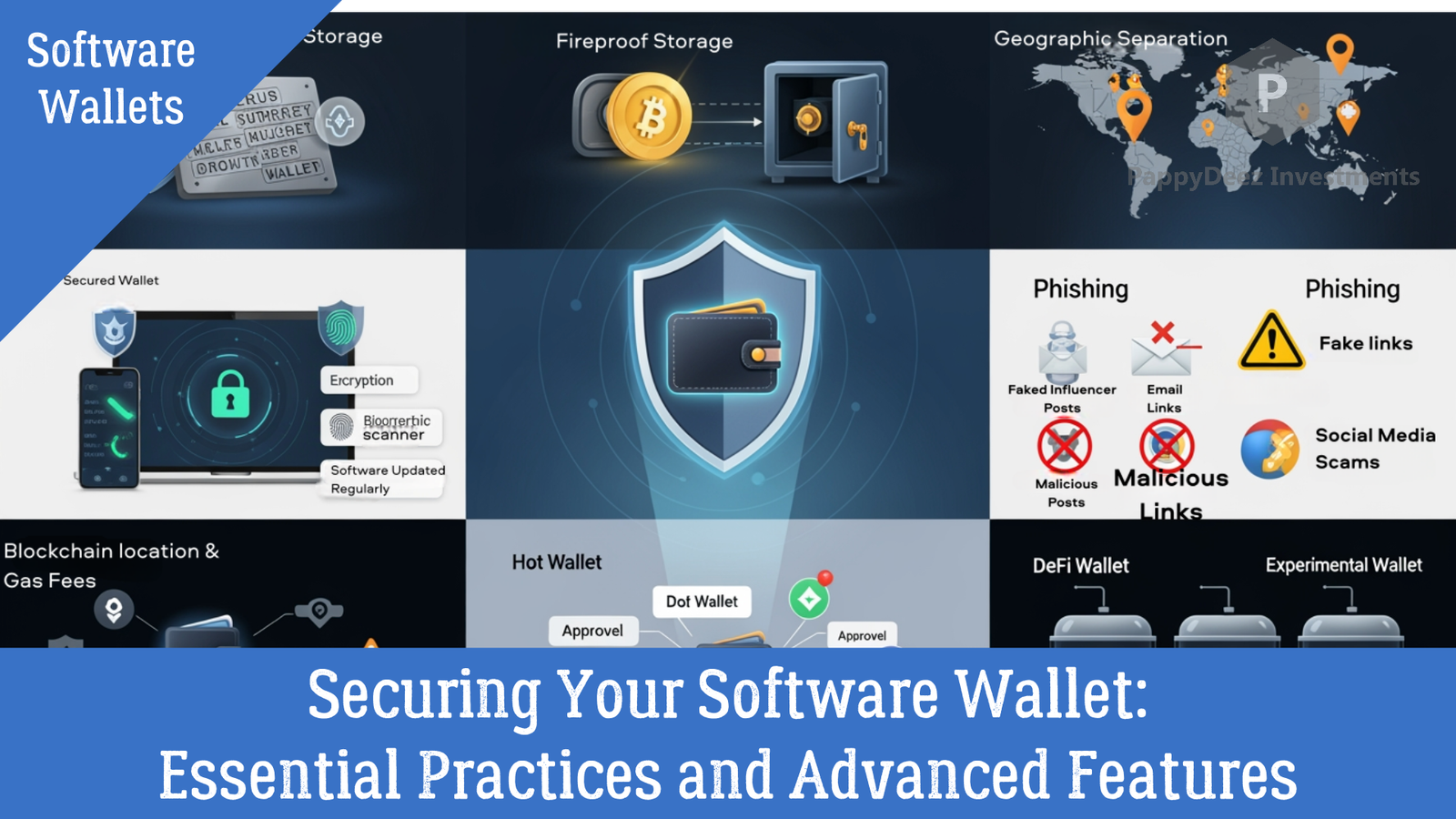
Securing Your Software Wallet: Essential Practices and Advanced Features
Protecting your cryptocurrency with defense-in-depth strategies
Setting up a software wallet is just the beginning. The real skill lies in securing it properly and understanding the advanced features that make cryptocurrency both powerful and risky. In this guide, we'll explore essential security practices and the advanced capabilities that take you from beginner to confident user.
Essential Security Practices
1. Protect Your Seed Phrase (Yes, Again)
This point cannot be emphasized enough—your seed phrase represents complete access to your cryptocurrency. The security measures you take with it determine whether your funds remain yours.
Never enter your seed phrase on any website, ever. No legitimate service will ask for it. Never share it via email, text, messaging apps, or any digital medium. Store physical copies in fire-resistant, waterproof containers. Consider metal backup solutions designed specifically for seed phrases—they're resistant to fire, flood, and time. Keep backups in geographically separate locations, which protects against localized disasters.
2. Use Strong Device Security
Your wallet's security starts with the device it runs on. Keep your operating system and wallet software updated—security patches are released for good reasons. Use reputable antivirus and anti-malware software, and actually keep it running. Enable full-disk encryption on your devices to protect your data if the device is lost or stolen. Use strong passwords or biometric locks on all devices. Avoid using public Wi-Fi for cryptocurrency transactions, as these networks are often insecure and vulnerable to interception.
3. Recognize Phishing Attacks
Phishing is one of the most common ways people lose their cryptocurrency. Attackers are sophisticated and constantly evolving their tactics.
Watch for fake wallet websites with similar URLs—metamask.io versus metamask.com, for example. Be skeptical of emails claiming urgent security updates or requiring immediate action. Never trust unsolicited "customer support" reaching out via social media or email. Be wary of malicious browser extensions that look legitimate but are designed to steal your information. Ignore social media messages offering help, airdrops, or investment opportunities.
Protection strategies include bookmarking official wallet sites and only using those bookmarks, never clicking links in unsolicited messages. Verify URLs carefully before entering any information, typing them manually if necessary. Be especially skeptical of urgent or too-good-to-be-true offers. When in doubt, contact companies directly through their official channels.
4. Manage Token Approvals
When using DeFi platforms, you grant smart contracts permission to access your tokens. These approvals can be exploited by malicious or compromised contracts.
Regularly audit your token approvals using tools like Revoke.cash or blockchain explorers. Revoke approvals for platforms you no longer use—old approvals remain active indefinitely. When possible, approve exact amounts rather than unlimited access. Research platforms thoroughly before granting any approvals, and be especially cautious with new or unaudited projects.
5. Create Separate Wallets for Different Purposes
Compartmentalizing your cryptocurrency across multiple wallets limits your exposure if any single wallet is compromised.
Consider creating a cold storage wallet (ideally a hardware wallet) for long-term holdings that you don't need to access frequently. Use a hot wallet for active trading and small amounts you need regular access to. Create a dedicated DeFi wallet specifically for interacting with decentralized applications, keeping it separate from your main holdings. Maintain an experimental wallet for testing new platforms or receiving airdrops from unknown sources.
This multi-wallet approach means that even if your experimental or DeFi wallet is compromised, your main holdings remain secure.
Using DeFi and dApps with Your Wallet
Browser extension wallets like MetaMask unlock the world of decentralized applications. Understanding how to interact with these platforms safely is crucial.
Connecting to Decentralized Applications
The process seems simple: visit the dApp website, click "Connect Wallet," select your wallet from the options, and review and approve the connection request.
However, safety requires vigilance. Only connect to websites you trust and have researched. Verify the URL is absolutely correct—phishing sites often use similar-looking URLs. Read all transaction details carefully before confirming anything. Disconnect from dApps when you're finished using them. Be especially cautious with token approval requests, which grant ongoing access to your funds.
Understanding Transaction Signatures
When using dApps, you'll encounter different types of signatures:
Transaction signatures execute actual blockchain transactions and cost gas fees. These move your funds or interact with smart contracts.
Message signatures prove you own the wallet without spending gas. These are used for logging in or verification purposes and don't execute transactions.
Token approvals grant permission for smart contracts to move your tokens. These are particularly sensitive because they give ongoing access.
Before signing anything, read what you're signing extremely carefully. Verify the recipient address and amounts match what you expect. Check that gas fees are reasonable for the transaction. If something looks suspicious or doesn't make sense, reject it and research further before proceeding.
Wallet Recovery and Backup
Recovering Your Wallet
At some point, you'll likely need to recover your wallet—whether on a new device, after a lost phone, or when switching computers.
The process is straightforward: download the wallet software on your new device, select "Import Wallet" or "Restore with Seed Phrase," enter your seed phrase in the correct order, create a new password for this device, and your wallet and all funds will reappear.
The seed phrase is truly magical in this way—it recreates your entire wallet perfectly, regardless of the device.
Testing Your Backup
Before storing large amounts in any wallet, practice recovering it on a different device. This test could save you thousands in the future.
Verify your seed phrase is written correctly by successfully restoring the wallet. Ensure you can complete the recovery process without issues. This practice run builds confidence and catches any problems before they become critical.
Advanced Backup Strategies
For significant holdings, consider advanced backup methods:
Metal backups involve stamping or engraving seed phrases on metal plates designed to withstand fire, water, and corrosion. These can last indefinitely.
Shamir Secret Sharing splits your seed phrase into multiple shares, requiring a threshold number to recover. This protects against both loss and theft.
Geographic distribution means storing backups in different physical locations, protecting against localized disasters like fires or floods.
Estate planning includes wallet recovery instructions for heirs, securely documented so your cryptocurrency isn't lost if something happens to you.
Advanced Security Mindset
The strongest security comes from layered defenses. No single measure is perfect, but combining multiple strategies creates robust protection.
Think of security as an ongoing process, not a one-time setup. As you acquire more cryptocurrency or the value of your holdings increases, reassess and upgrade your security measures. Stay informed about new threats and security tools.
Most importantly, trust your instincts. If something feels wrong or too good to be true, it probably is. The cryptocurrency space moves fast, but rushing security decisions is when mistakes happen.
In the next installment, we'll explore common mistakes people make with software wallets and how to avoid them, along with troubleshooting tips for when things go wrong.
Continue your cryptocurrency education with Part 4: Common Software Wallet Mistakes and When to Upgrade to Hardware